
Angel Launcher
Get and update the Angel apps
Version 0.10 · 2.5 MB · macOS 14.0 or later
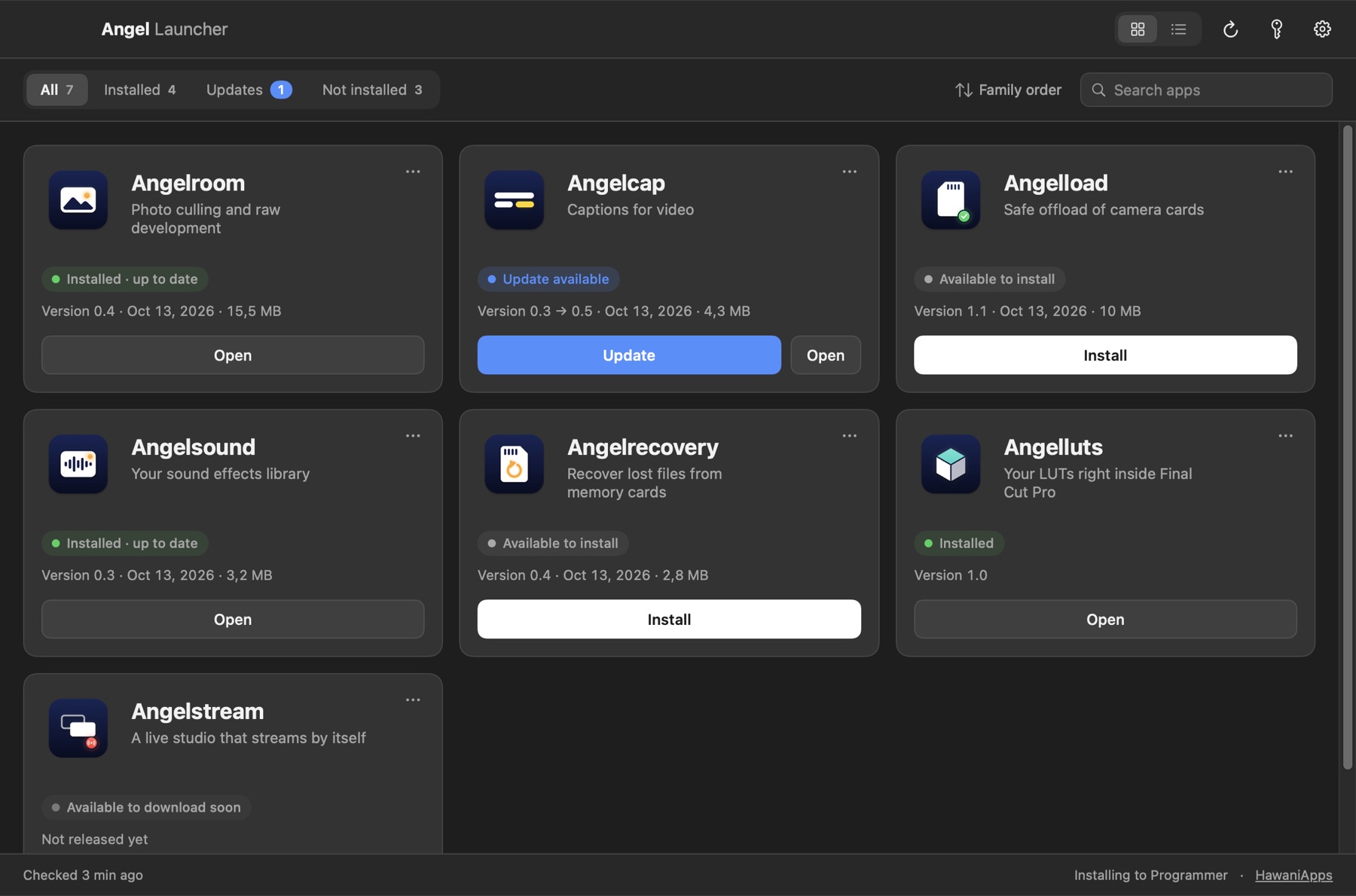
All your Angel apps. One click away.
Install, open and update. The launcher puts the app in Applications and keeps it current.

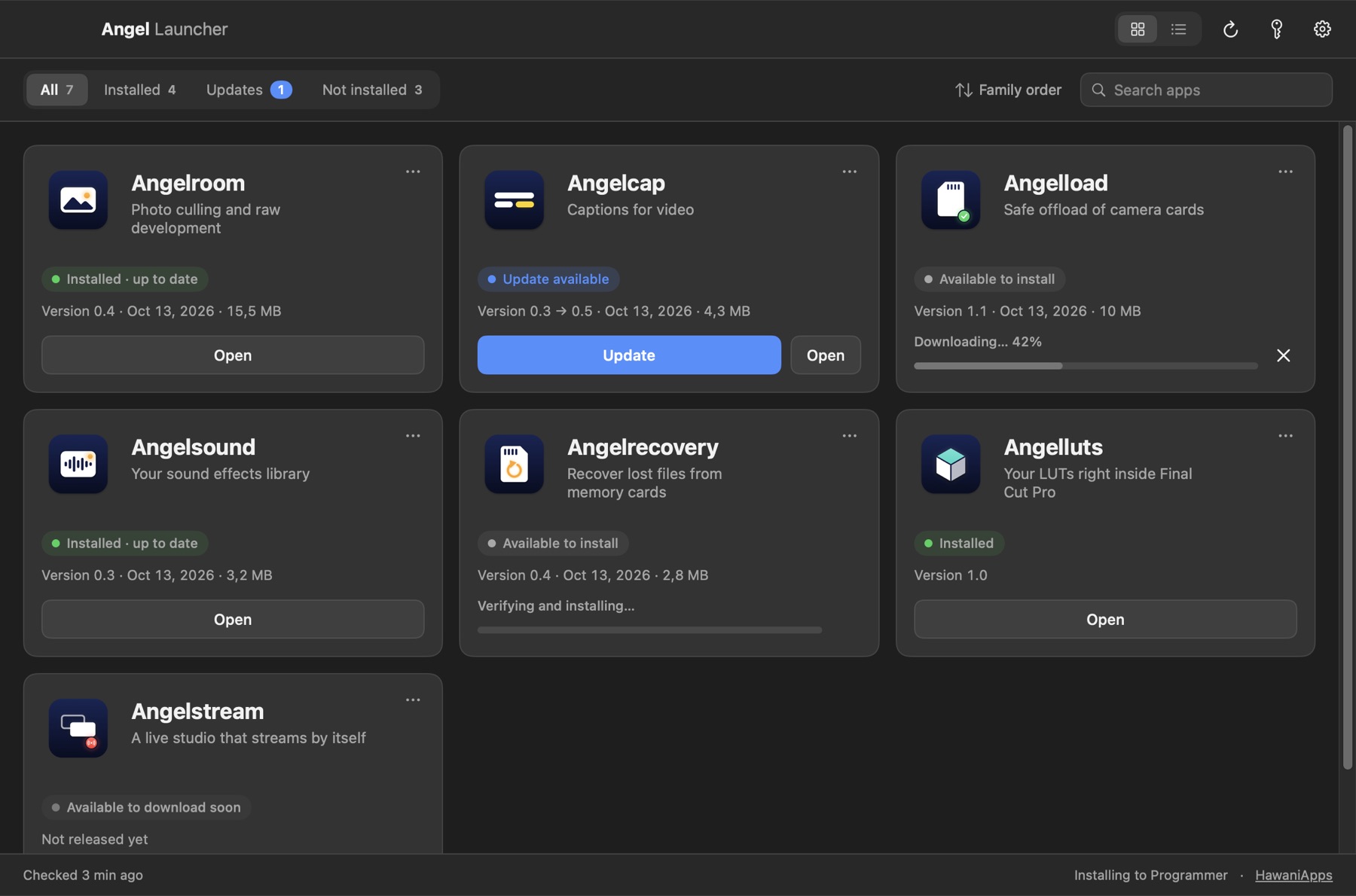
Install with one click
Pick an app, and it is in Applications, ready to use.
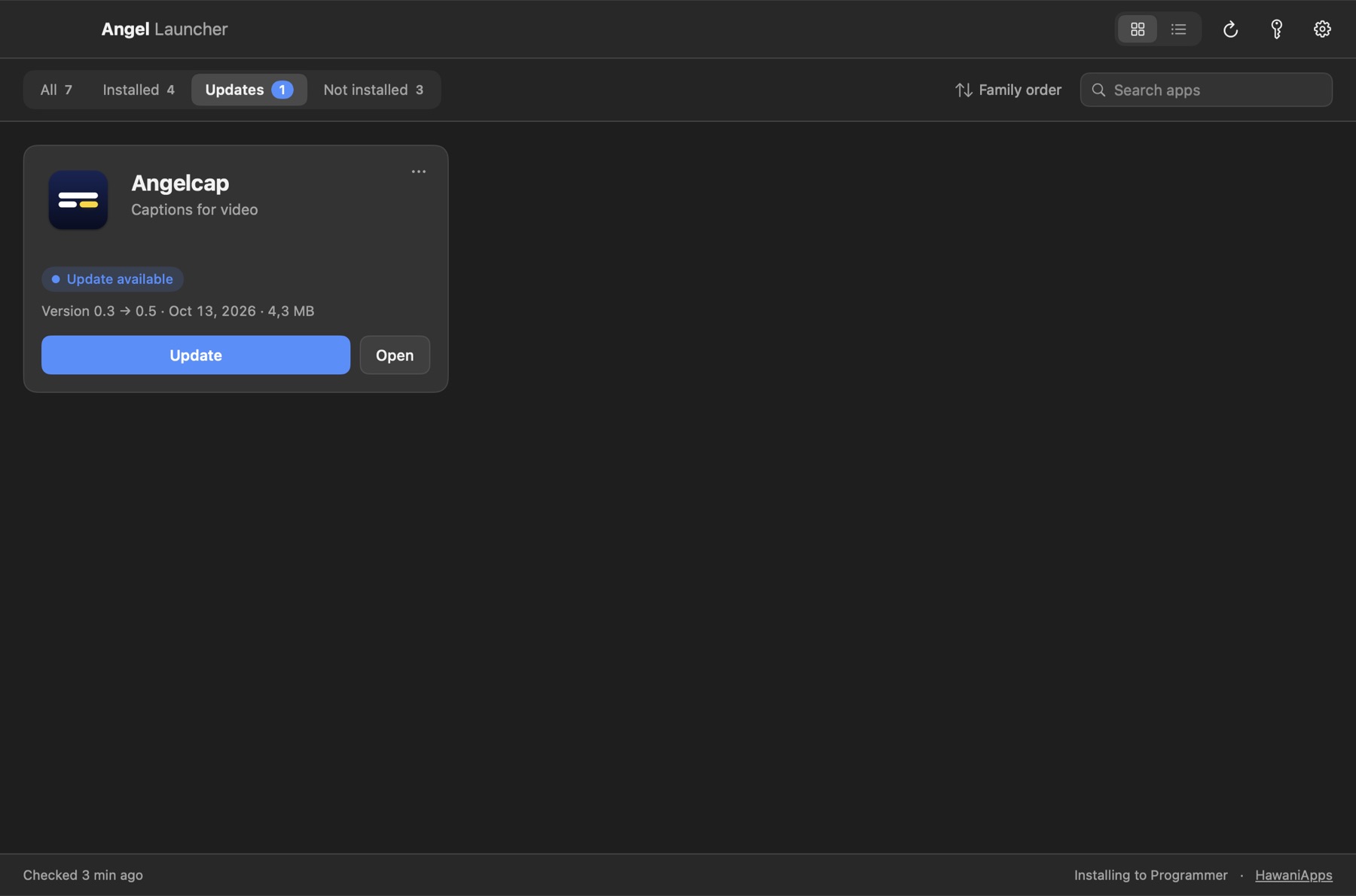
Updates by themselves
The launcher tells you when an app has a new version, and can get it for you.
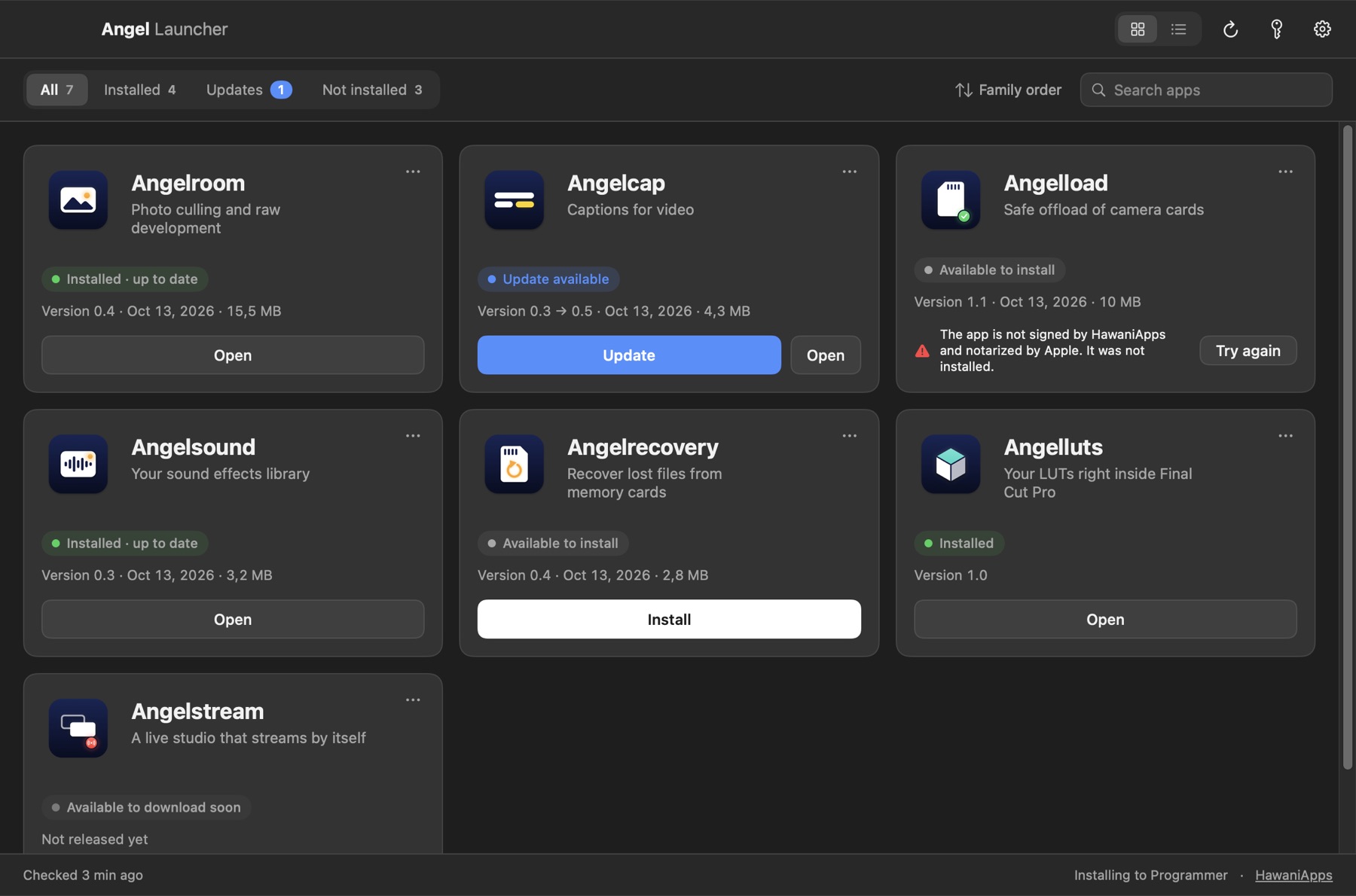
Verified before it is installed
Only apps signed by the publisher and notarized by Apple are put on your Mac.
Stays in the menu bar
Close the window, and the launcher keeps watch from there. Danish and English, light and dark.
Information
- Price
- Free
- Version
- 0.10
- Released
- Size
- 2.5 MB
- Requires
- macOS 14.0 or later
- For Macs with
- Apple silicon and Intel
- Support
- info@hawaniapps.dk
New in version 0.10
If you install or update Angelluts while Final Cut Pro is open, the launcher now asks first: Final Cut only finds new effects when it starts. You can install right away and restart Final Cut afterwards, or let the launcher wait until Final Cut is closed. The launcher's temporary copies of apps are also no longer left registered on the Mac, where Final Cut could pick them up.
More Angel apps
- AngelroomPhoto culling and raw development
 AngelcapCaptions for video
 AngelloadSafe offload of camera cards
 AngelsoundYour sound effects library
 AngelrecoveryRecover lost files from memory cards
 AngellutsYour LUTs right inside Final Cut Pro
 AngelstreamA live studio that streams by itself
 AngelsyncSync cameras and audio by their sound
 AngelCutEdit your footage into a finished film